Never Miss an Alert Again: Automate PagerDuty and Rootly Team Management with SCIM
Never Miss an Alert Again: Automate PagerDuty and Rootly Team Management with SCIM
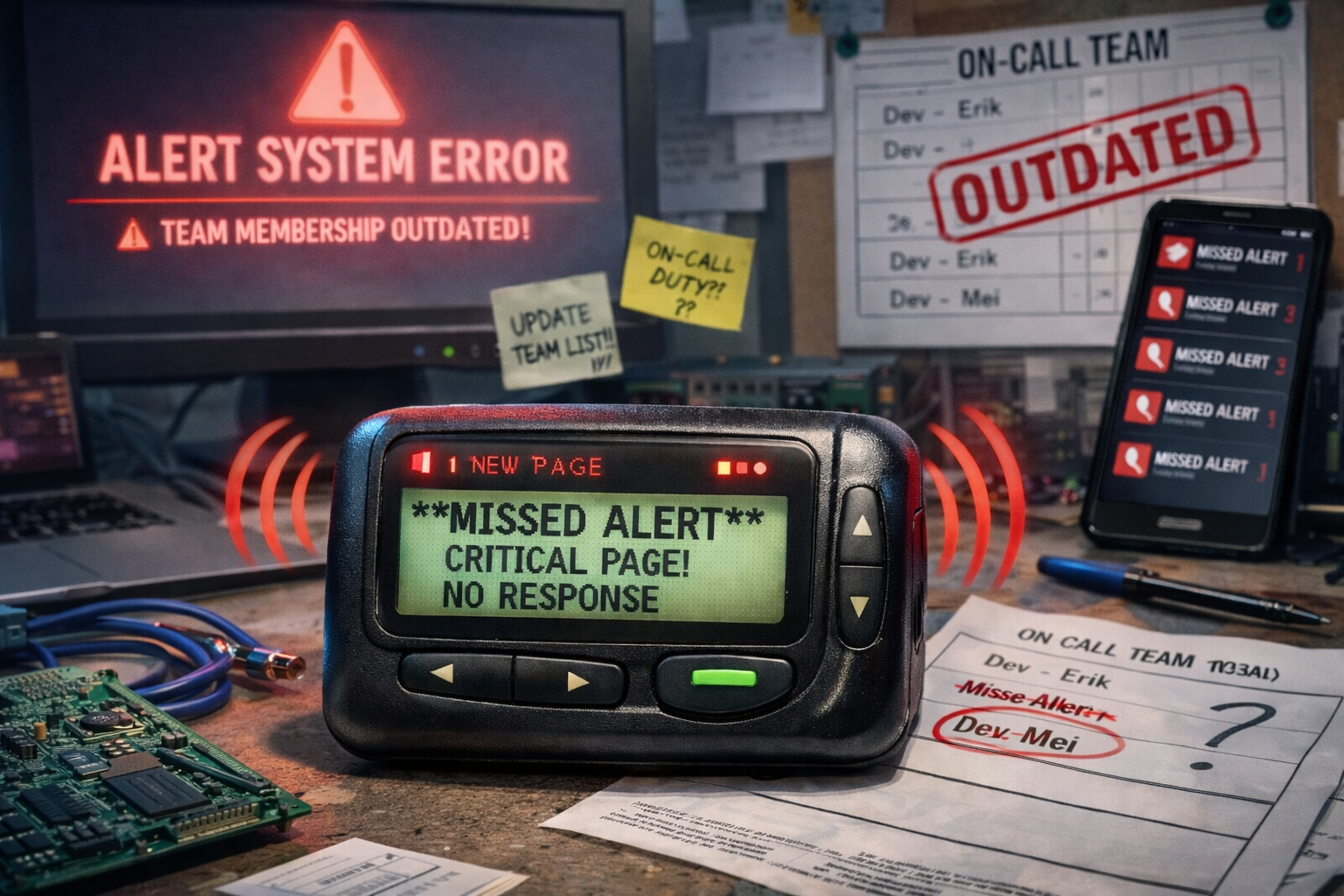
It’s 2 AM. A critical production incident fires. The alert goes to PagerDuty, which routes it to the on-call team. Except… the team member who left last month is still in the rotation. The person who joined two weeks ago isn’t. The escalation policy points to a team that hasn’t existed since the reorg.
The alert goes nowhere. The incident burns.
The Hidden Cost of Manual Team Management
For DevOps and SRE teams, on-call reliability isn’t just about monitoring and alerting. It’s about ensuring that when something breaks, the right people get notified immediately. But keeping PagerDuty or Rootly teams and escalation policies in sync with your actual organization is a constant, error-prone battle.
The Manual Update Cycle
Every time someone joins, leaves, or moves teams, someone has to:
- Update PagerDuty teams - Add/remove members, adjust on-call schedules, update escalation policies
- Update Rootly teams - Sync incident response assignments, adjust routing rules
- Update your IdP - Manage group memberships in Okta, Azure AD, or Google Workspace
- Hope nothing breaks - Cross your fingers that you didn’t miss a team, forget a schedule, or leave a stale member in a critical rotation
This manual process creates a dangerous gap between your identity provider (the source of truth for who works where) and your incident management tools (where alerts actually go).
The Real-World Impact
Missed alerts happen when:
- A team member leaves, but their PagerDuty membership isn’t removed - alerts still route to them
- A new engineer joins, but they’re not added to the on-call rotation - incidents go unhandled
- Teams reorganize, but escalation policies still point to old team structures - critical issues escalate to the wrong people
Operational overhead compounds when:
- IT teams spend hours each week manually updating team memberships across multiple tools
- Onboarding takes days instead of minutes because access provisioning is manual
- Compliance audits reveal discrepancies between IdP groups and actual tool access
Security risks emerge when:
- Former employees retain access to on-call systems long after they’ve left
- Team memberships drift out of sync, creating shadow access that’s hard to track
The Solution: Automated SCIM Provisioning
Scimify bridges the gap between your identity provider and your incident management tools. Instead of manually managing teams in PagerDuty and Rootly, you manage everything from your IdP and Scimify automatically syncs those groups to your on-call platforms.
How It Works
- Define teams in your IdP - Create dynamic groups in Okta, Azure AD, or Google Workspace that represent your actual organizational structure
- Configure Scimify integrations - Connect Scimify to PagerDuty and Rootly using OAuth or API keys
- Automatic sync - When groups change in your IdP, Scimify automatically:
- Creates or updates teams in PagerDuty and Rootly
- Adds new members to the correct teams
- Removes departed employees from all teams
- Keeps team names and structures in sync
No manual updates. No missed alerts. No stale memberships.
PagerDuty Integration: Always-On On-Call
The PagerDuty integration enables SCIM provisioning for PagerDuty teams, ensuring your on-call rotations always reflect your current organization.
Use Cases
Teams created through this integration can be used for:
- On-call scheduling and rotations - Automatically sync team memberships so schedules always include the right people
- Incident response assignments - Route incidents to the correct teams based on IdP group membership
- Escalation policies - Build escalation chains that stay current as teams change
- Team-based routing and notifications - Ensure alerts go to the right people, every time
- Access control for incident management - Control who can acknowledge, resolve, or escalate incidents based on IdP groups
- Service ownership and team assignments - Map services to teams that automatically stay in sync
Authentication Options
The integration supports both Scoped OAuth (recommended) and API Access Keys, giving you flexibility based on your security requirements and account capabilities.
Rootly Integration: Automated Incident Response Teams
The Rootly integration syncs IdP groups with Rootly incident response teams, keeping your incident management structure aligned with your organization.
Use Cases
Teams created through this integration can be used for:
- Incident response assignments - Automatically assign incidents to the right teams based on IdP group membership
- On-call escalations - Build escalation paths that stay current as your organization evolves
- Team-based routing and notifications - Route incidents to teams that reflect your actual structure
- Access control for incident management - Control who can respond to, escalate, or resolve incidents based on IdP groups
The Business Case: Time, Money, and Reliability
Eliminate Manual Overhead
Stop spending hours each week updating team memberships. With Scimify, team changes in your IdP automatically propagate to PagerDuty and Rootly instantly.
Reduce Risk
- No more missed alerts - Team memberships stay current, so incidents always route to active team members
- No more stale access - Departed employees are automatically removed from all teams
- No more drift - Your IdP is the single source of truth, and all tools stay in sync
Faster Onboarding
New engineers get added to the right teams automatically when they’re assigned to groups in your IdP. No waiting for manual provisioning. No missed on-call rotations.
Compliance and Auditing
When your IdP groups are the source of truth, auditing access becomes straightforward. You can see exactly who has access to what, and changes are automatically tracked through your identity governance system.
Getting Started
Setting up automated team management for PagerDuty and Rootly is straightforward:
- Configure PagerDuty integration - Follow the PagerDuty integration guide to connect Scimify using OAuth or API keys
- Configure Rootly integration - Follow the Rootly integration guide to connect Scimify using an API token
- Set up SCIM in your IdP - Configure SCIM provisioning in Okta (or your IdP) to push groups to Scimify
- Watch it sync - Teams and memberships automatically stay in sync as your organization changes
Never Miss an Alert Again
The cost of manual team management isn’t just time, it’s missed incidents, delayed responses, and the constant risk that your on-call system doesn’t match reality.
With Scimify, your PagerDuty and Rootly teams automatically reflect your IdP groups. When someone joins, leaves, or moves teams, the change propagates instantly. No manual updates. No missed alerts. No stale memberships.
Your on-call system becomes as dynamic as your organization.
Ready to automate your incident management teams? Get started with Scimify today.